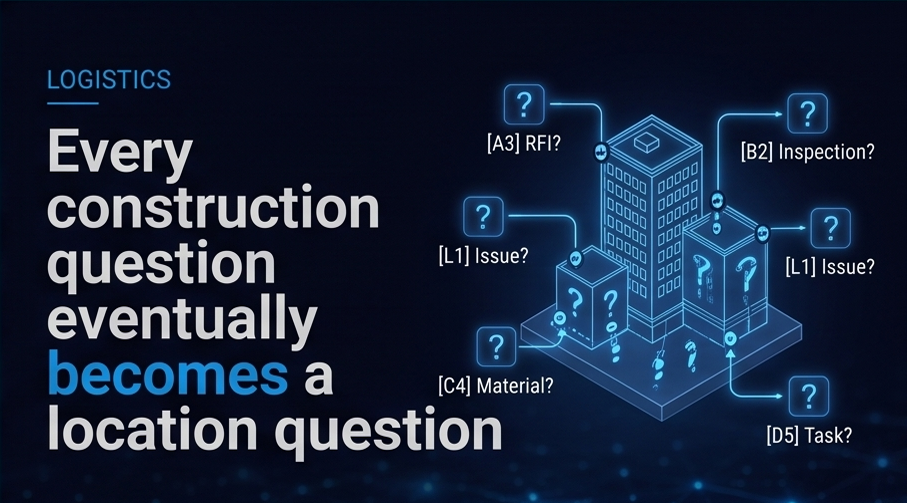
Every construction project has information that needs to be captured.
Inspections. Field reports. Quality checks. Safety observations. Commissioning details. Punch items. Closeout records. Owner requirements. GC standards. Project-specific workflows. Questions that need to be answered at the right time, by the right person, in the right context.
Forms are one of the most common ways teams collect this information.
But on many projects, forms are still too static.
They are often copied from previous projects, built manually, managed in spreadsheets, or created as generic templates that do not fully reflect the unique requirements of the job. Teams spend time recreating forms, adjusting questions, interpreting requirements, and trying to make sure the right information is collected in the right way.
The result is often more work, more inconsistency, and more disconnected data.
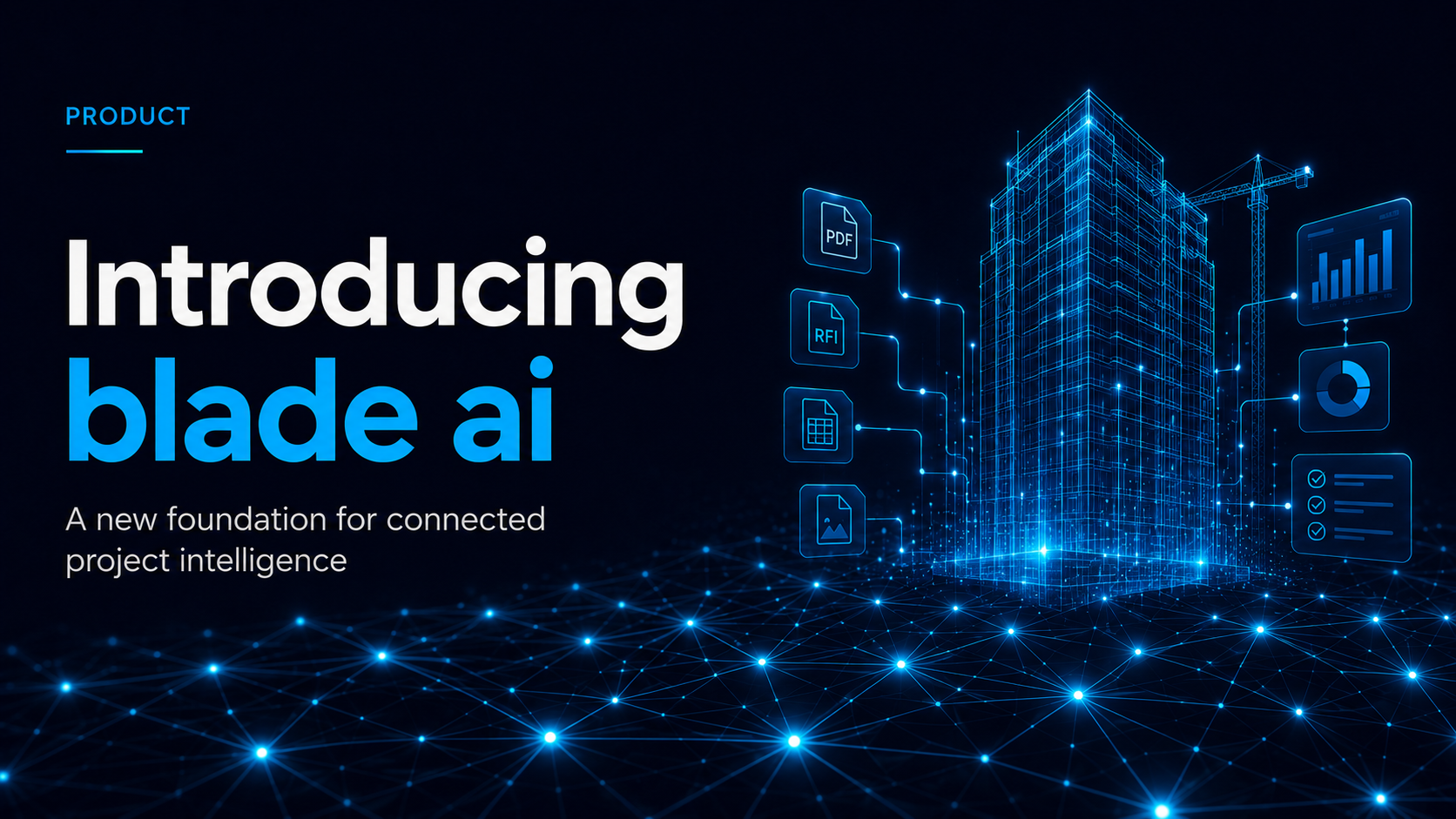
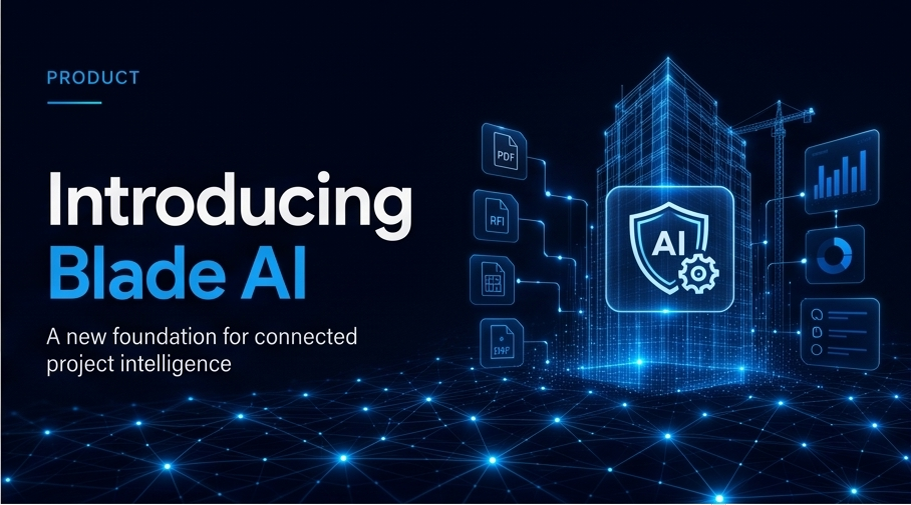
blade ai is designed to change that.
With blade ai, forms are no longer just standalone documents or checklists. They become part of the connected project baseline.
blade ai helps teams create smarter forms and workflows that are tied directly to the project's requirements, locations, drawings, models, inspections, assets, and operating standards. Instead of starting from scratch or relying only on static templates, teams can begin to create project-specific forms that reflect the actual needs of the project.
This is where blade ai's AI foundation becomes especially powerful.
blade ai can help condition project data around the contract, owner requirements, GC standards, project rules, model objects, locations, inspection needs, and the unique operating knowledge that makes each builder successful. That intelligence can then help support the creation of forms, questions, workflows, and data requirements for different stages of the project.
For example, a team may need a form for a specific inspection type. That form may need to include questions based on project requirements, location, asset type, owner standards, or a specific workflow. With blade ai, the form does not have to exist in isolation. It can connect back to the drawing, model, location, asset, requirement, inspection, and people involved.
A completed form is no longer just a record.
It becomes connected data.
It can help show what happened, where it happened, who was involved, what requirement it relates to, what asset or location it impacts, and what action may be needed next.
This is a major shift for project teams.
Instead of capturing information after the fact and trying to organize it later, blade ai helps teams capture information in context from the beginning. This makes project records easier to understand, easier to search, and easier to act on.
It also helps reduce the manual burden on project teams.
Today, many teams spend hours building forms, copying previous templates, checking requirements, validating questions, and organizing completed responses. blade ai helps automate and streamline parts of that process by using the project baseline as the foundation.
The goal is better project intelligence.
When forms are connected to the project baseline, they can support more consistent workflows, better field execution, stronger documentation, and clearer visibility across the project. Teams can better understand what information has been captured, what is still missing, and what needs attention.
During preconstruction, teams can begin organizing requirements and setting up the right data structure before work begins.
During construction, field teams can capture information in context, tied directly to locations, drawings, models, and workflows.
During inspections, teams can connect results back to requirements, assets, and project records.
During closeout, teams can deliver a more complete, connected record of the project instead of chasing down disconnected documents at the end.
This is where blade ai starts to change the way teams think about project information.
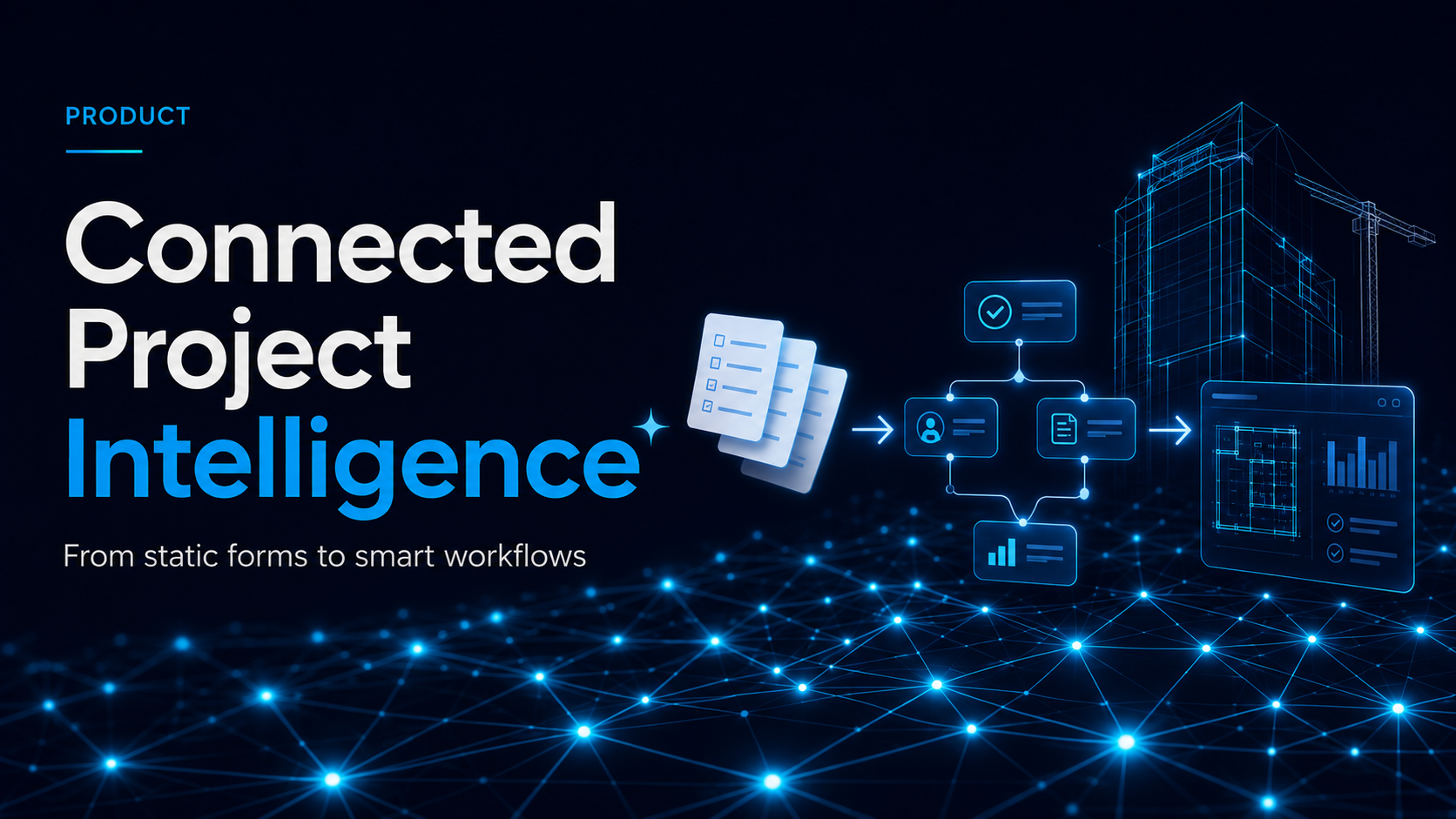
The focus moves from filling out forms to building intelligence. From collecting answers to connecting context. From static checklists to smart workflows. From manual setup to AI-supported structure. From disconnected records to a living project baseline.
And because every project is different, blade ai is designed to support the unique ways teams work. Customers can create project-specific questions, workflows, and data requirements for any stage of the project. These workflows can reflect the standards, requirements, and operating knowledge that matter most to the team.
That means blade ai does not just help teams manage information. It helps teams turn their own project knowledge into a repeatable, scalable foundation for better execution.
This is the promise of connected project intelligence.
Drawings, models, forms, inspections, RFIs, submittals, workflows, and project data all working together as part of one living baseline.
One node at a time, blade ai helps teams move from disconnected information to connected action.