The most important part of a construction form may not be the question. It may be what the system does after the answer.
A user selects Fail during an inspection. A superintendent reports an unforeseen condition. A commissioning value falls outside an acceptable range. A payment line does not reconcile with retainage. A permit expires before the scheduled activity. Each answer has implications that extend beyond the form where it was entered.
Conventional forms tend to treat these responses as stored data. Someone must notice the result, interpret its meaning, decide who should act, create the next record, attach supporting information, and monitor the follow-up. The workflow lives in people's experience, email, meetings, and memory.
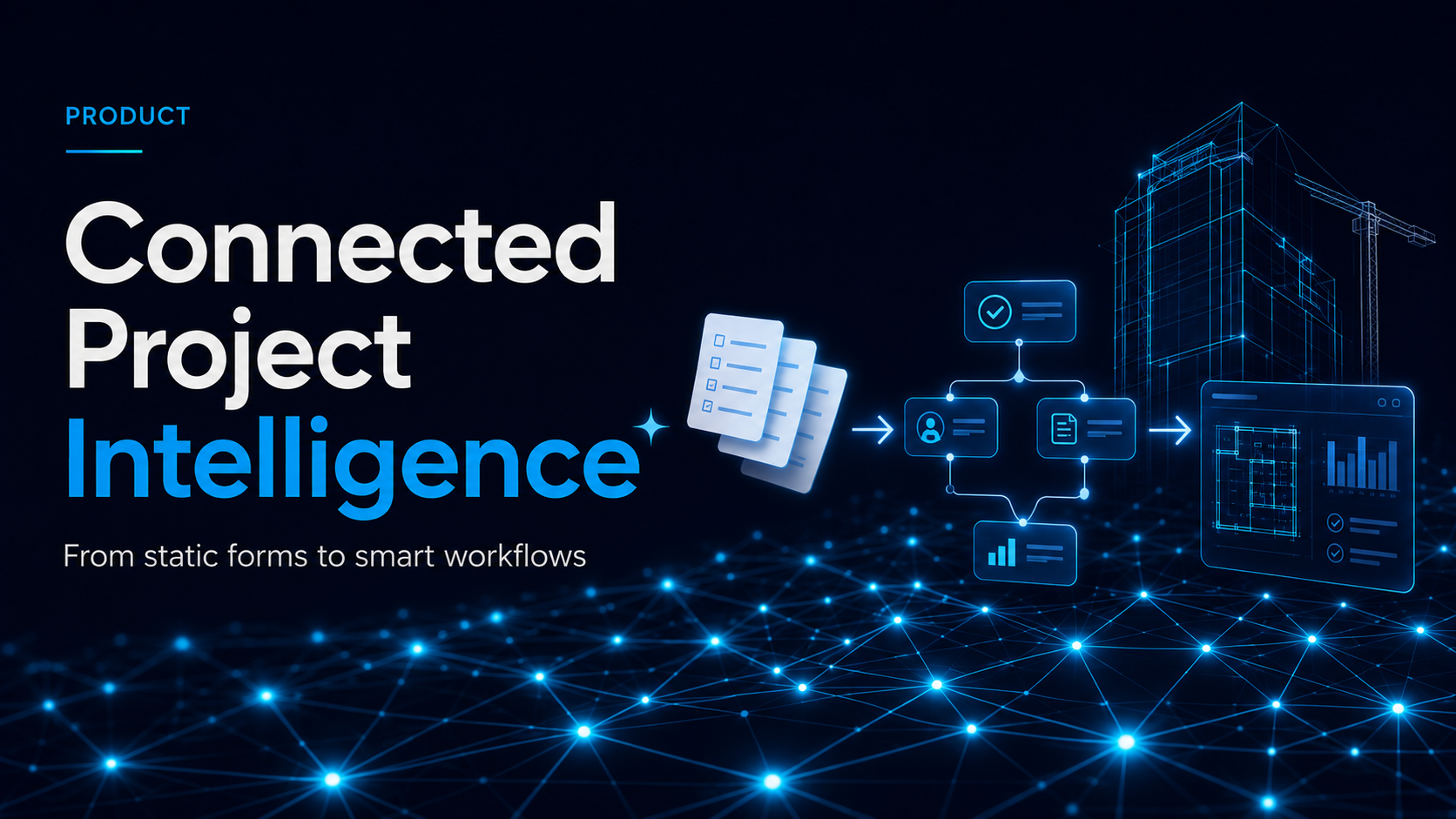
Blade AI Forms is designed to make that workflow explicit. The form engine can evaluate validation rules, conditional visibility, calculations, nested information, repeating rows, and cross-field relationships. The workflow layer can then manage lifecycle transitions, approvals, routing, automatic record creation, retries, and monitoring. These are different responsibilities, but together they turn a response into coordinated project action.
Imagine a concrete pre-pour inspection. The selected placement type can determine which sections of the form appear. Pour dimensions and test requirements can be populated from the project context. A temperature or slump value outside the allowed range can trigger a validation warning. Missing photographs, batch information, or signatures can prevent submission. A failed embed check can automatically create an issue linked to the exact question, location, drawing reference, responsible trade, and inspection version.
The system should also distinguish between guidance and control. Some conditions warrant a warning that asks the user to confirm an exception. Others should prevent advancement until a required value, approval, or piece of evidence is present. That behavior should be visible and predictable, so users understand whether the system is recommending an action, enforcing a project rule, or escalating a condition for human review.
The workflow may route that issue to the appropriate reviewer, pause approval, request corrective evidence, and schedule reinspection. When the condition is corrected, the new evidence remains linked to the originating failure. The project gains a traceable sequence from requirement to observation, action, verification, and acceptance.
The same solution behavior can support many categories. A JHA can reveal additional controls based on selected hazards. A daily report can open weather or delay details only when relevant. A commissioning form can calculate system-level pass or fail from component results. A pay application can validate totals and retainage across repeating schedule-of-values rows. A closeout checklist can prevent completion until required documents and approvals are present.
This is why a capable headless form engine matters. Construction forms are not all simple lists of text boxes and checkmarks. They require compound conditions, derived values, cross-field validation, tables, nested data, and rules that operate within individual repeating rows. Blade uses Form.io JSON as the stored form-body format and the open-source @formio/core library to compute form state, while retaining its own Blade renderer and user interface. The engine supplies logic; Blade supplies the construction experience.
Elsa provides the orchestration layer for the broader business process. Form logic can determine whether a submission is valid and which information applies. Workflow logic determines who receives it, which state comes next, what approval is required, whether another record should be created, and how faults or retries are managed. Keeping those responsibilities separate makes the solution more reusable and easier to govern.
That separation also allows workflows to evolve responsibly. A project may revise future routing or approval steps without breaking work already in progress. Definitions can be version-controlled, active instances can continue under the rules that started them, and every transition can be logged for audit and troubleshooting. The workflow becomes an explicit project asset instead of undocumented tribal knowledge.
Automation must also remain transparent. A generated observation should show what created it. A workflow-driven action should retain its originating record and workflow instance. A reviewer should be able to follow the relationship back to the specific answer, evidence, template version, and project context. Automation without provenance creates speed but weakens trust. Blade's objective is faster action with a stronger chain of evidence.
One field answer can change far more than a record status. It can expose risk, block downstream work, engage another participant, require evidence, create a related record, or release the next activity. When that behavior is encoded in a shared solution, project teams gain repeatability without losing the judgment and oversight construction requires.
The intelligent form is not the destination. It is the moment where project knowledge becomes action.